 Fontoak
Twelve brushes
From broad nib to sumi.
Pencil pressure sets the width. The textured brushes give every stroke its own grain, so no two letters come out quite the same. Each stroke below is the same line, drawn by Fontoak's own brush code.
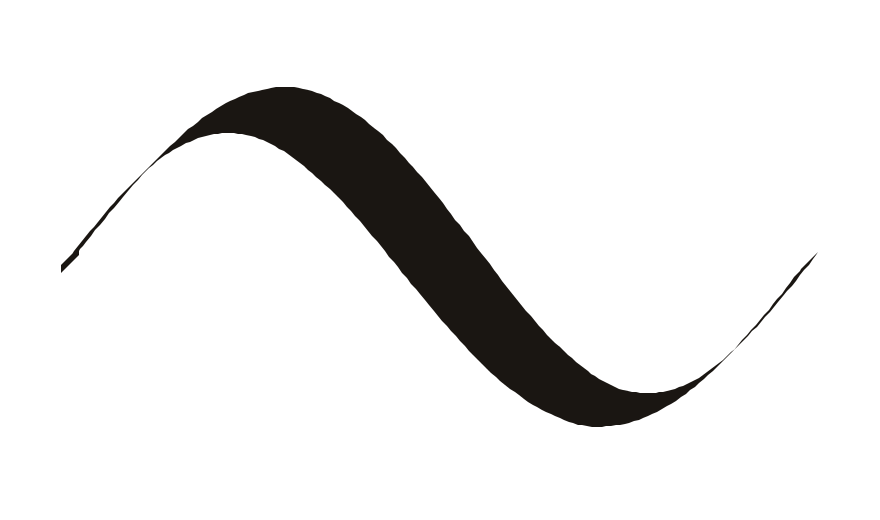
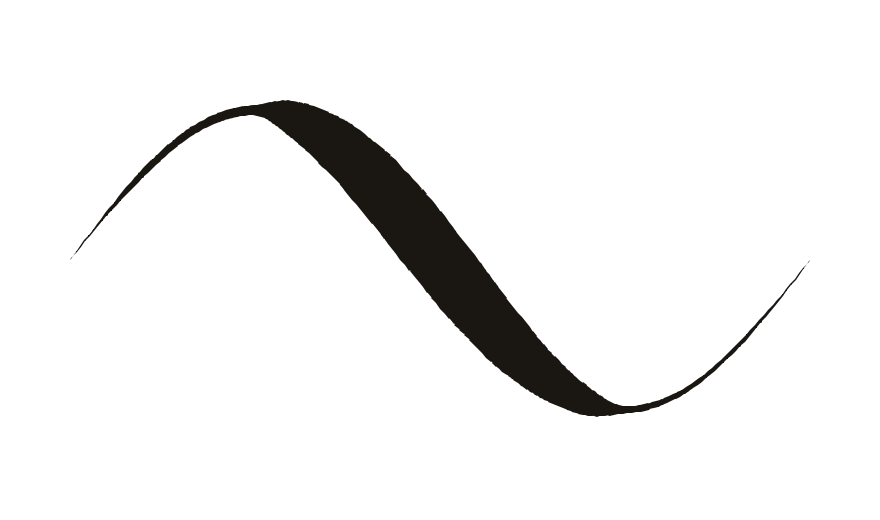
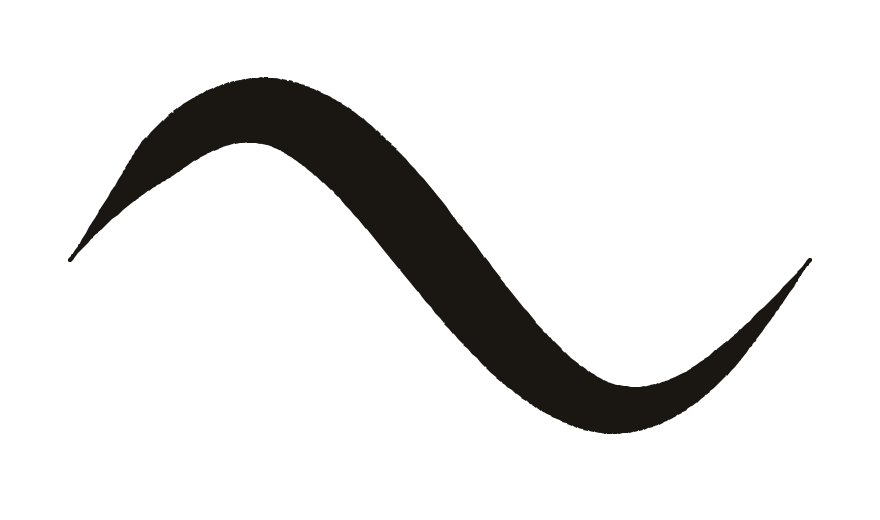
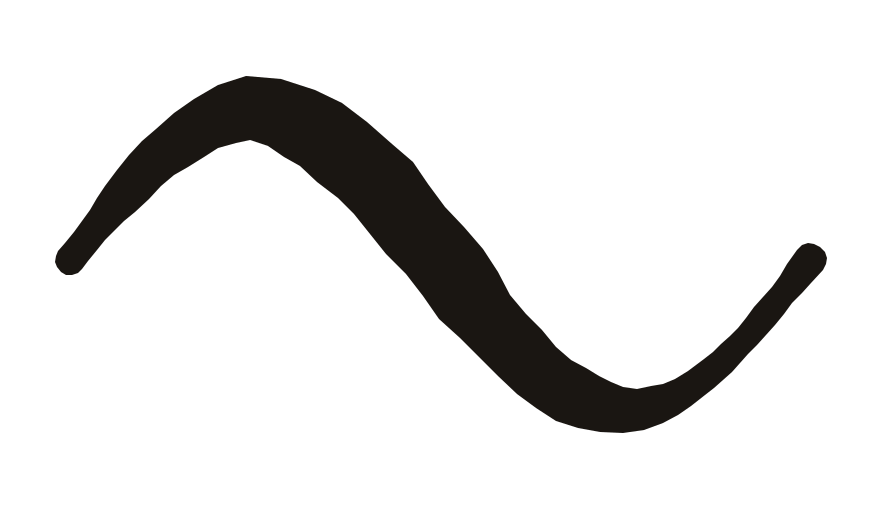
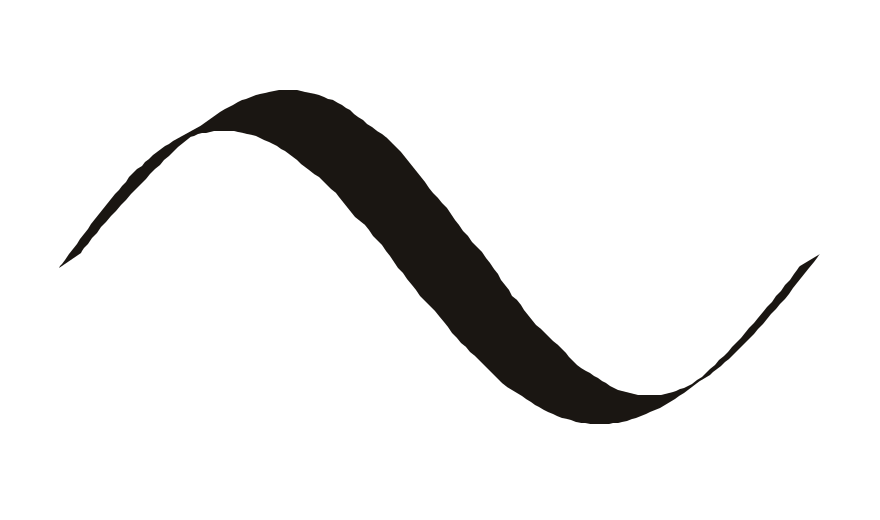
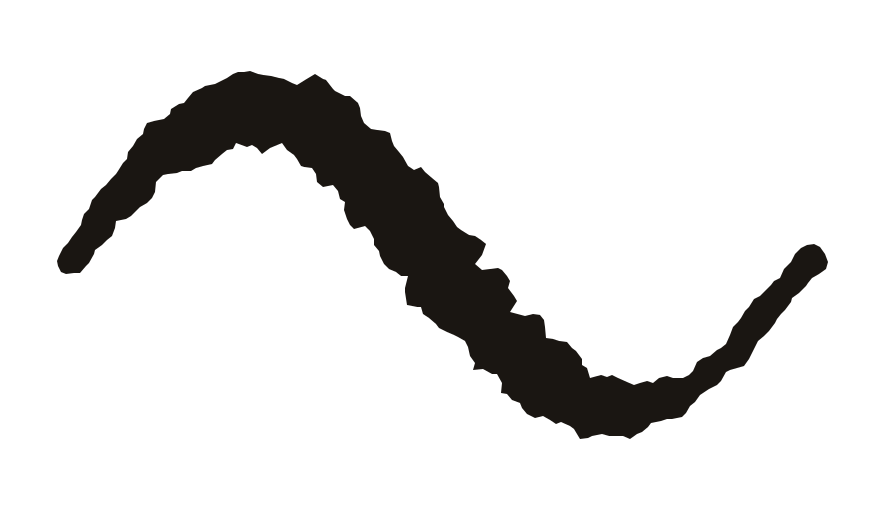
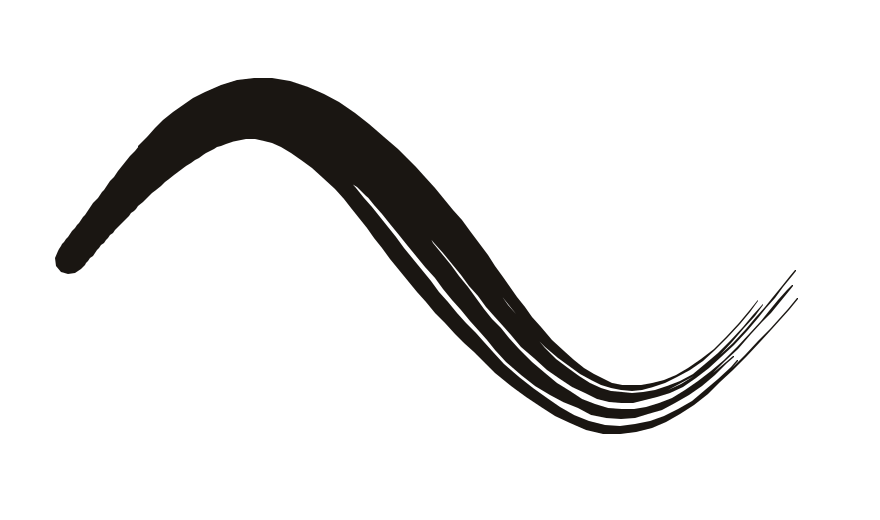
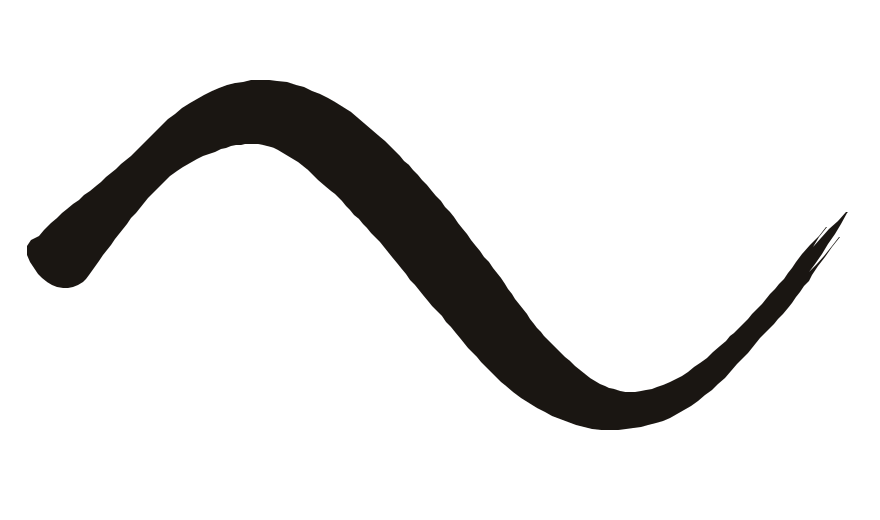
Also Round, Monoline, Tapered and Graphite, which responds to Pencil tilt.
Draw, then refine
A drawing sheet with the guides already in.
Draw
Cap height, x-height, baseline and descender are marked on every sheet. Line and Ellipse tools snap to them. A finger works too.
Refine
- Select with Lasso, Box or Wand
- Move, resize, stretch, rotate
- Copy and paste between letters
- Split strokes with the Scalpel
- Undo and redo for each letter
See it as type
Each letter shows up between its neighbours as you draw, so you can judge the spacing. Type your own sentence and it sets in your font.
Latin and Hebrew
105 characters.
A–Z, a–z, figures and punctuation, plus the Hebrew alphabet with final forms, maqaf and the shekel sign.
Set in Goni, a handwriting font drawn in Fontoak. So is the headline at the top of this page.
Export or install
A font you can actually use.
Export .otf
A standard OpenType font for your Mac, a PC or the web. Merge outlines makes clean curves and a smaller file.
Install on iPad
Install puts the font on this iPad, so it shows up in Pages, Keynote and any app with a font picker. How it works.
Yours
No accounts, no ads, no tracking. Fontoak collects no data, and your drawings are ordinary files in Files. Privacy policy.